
Shell And Ribbon
Help ID prefix: shell
The shell is a DevExpress ribbon and document workspace. Ribbon buttons open or refresh panels. Document tabs can be closed, floated, docked, and activated. A yellow tab dot means loading is still running; a green dot means fresh data loaded.
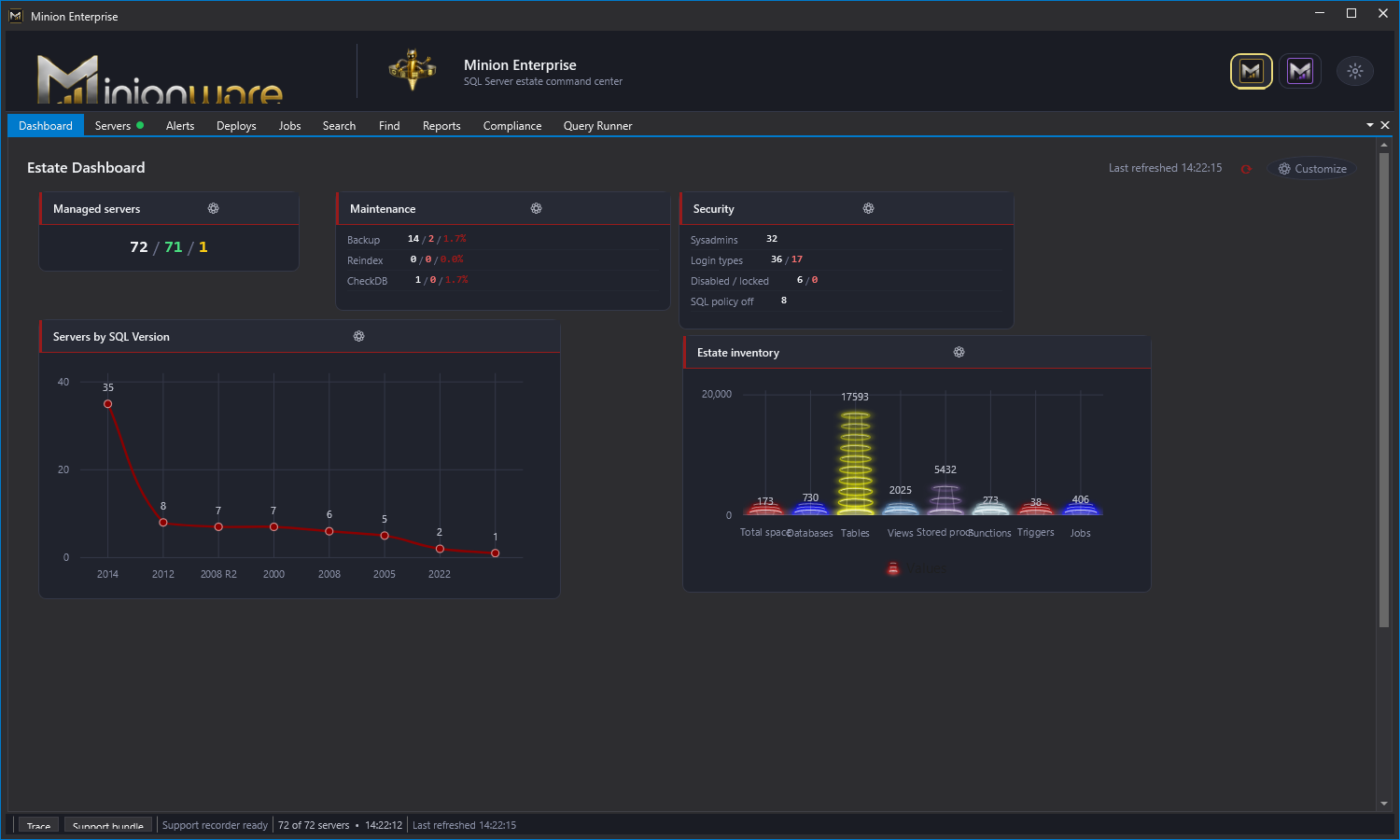
Important help IDs include shell.ribbon.me.servers, shell.ribbon.me.refresh-all, shell.panel.servers, shell.panel.alerts, and shell.panel.query-runner.
Use the ME ribbon or the document tab strip to move between Dashboard, Servers, Alerts, Deploys, Jobs, Search, Reports, Query Pilot, and repository configuration. Dock panels can be pinned, unpinned, floated, or moved where the current panel supports docking. Search now includes server-name searching; the separate Find tab has been retired.
Related: Fleet Grid, Query Pilot, Enterprise Search.
Documentation revision: C48C5313E3B7A831